Key Takeaways
- The post walks through using a MikroTik L009UiGS-RM as the core of a home network.
- It covers WAN setup details such as PPPoE, VLAN tagging, MAC cloning, and the consequences of private IPv4 or DS-Lite.
- It also shows how RouterOS can centralize Wi‑Fi management and use FQ-CoDel to reduce bufferbloat.
What happened
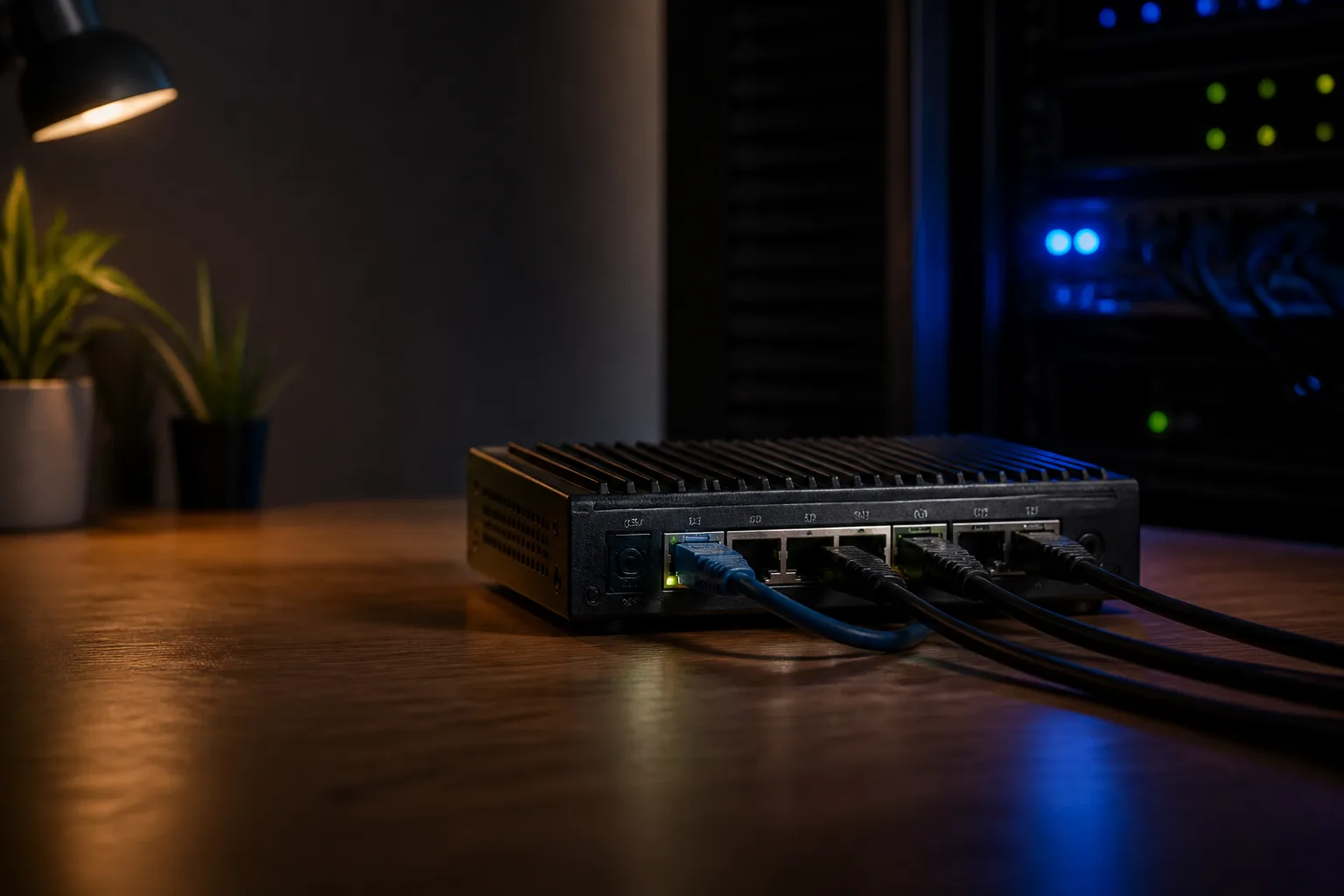
The source is a hands-on home-lab write-up about replacing the limitations of an ISP-provided router with a MikroTik L009UiGS-RM. The author says the goal was to build a more controlled home network for self-hosted projects, local storage, and better networking performance and security than they had seen from ISP hardware.
A key part of the setup is understanding how the internet connection is delivered before configuring the router. The post separates the problem into two questions: how the WAN authenticates and whether the WAN gets a public or private IPv4 address. The author explains that some ISPs use IPoE over DHCP, while others require PPPoE, sometimes with VLAN tagging. The article also emphasizes that a private IPv4 address on the WAN usually indicates CGNAT, and that DS-Lite can prevent inbound IPv4 access even if the router supports the tunnel itself.
For the author’s fiber connection, the ISP uses PPPoE over VLAN 35 with a private IPv4 address. The setup then proceeds step by step in RouterOS: connect a laptop to the router, log in through WinBox, change the default admin password, create a stable management setup, and move the network uplink to ether1. The post notes that some ISPs bind service to the original router’s MAC address, so the WAN port’s MAC may need to be cloned to match the ISP-issued device.
After that, the author creates a VLAN interface on top of ether1 and adds a PPPoE client on the VLAN. Once the ISP credentials are entered, the router should obtain the default route through the PPPoE connection. The article presents these steps as the foundation for getting the router online before moving on to local-network features.
The second major part of the setup is Wi‑Fi. Rather than rely on the router alone, the author uses a separate wAP access point powered over Ethernet from one of the MikroTik ports. RouterOS PoE output is enabled on that port so the access point can run without a wall wart. The post then describes using CAPsMAN to manage Wi‑Fi centrally: a controller on the router defines shared security, channel, datapath, and configuration objects, while the access point is set to CAP mode and points its radios to the controller. The end result is a coordinated setup where the managed radios appear dynamically on the controller.
The final section addresses bufferbloat, which the author encountered during gaming when other devices in the home began downloading or uploading. The post describes bufferbloat as latency caused by overfilled packet queues and notes that it becomes especially noticeable when the link is saturated. To address this, the author creates an FQ-CoDel queue type in RouterOS and applies a simple queue that shapes traffic below the measured link rate. The article also warns that Fast Track bypasses the queue subsystem, so the fasttrack firewall rule must be disabled or removed for shaping to work.
Why it matters
The source is not a product announcement or a broad industry trend story; it is a practical example of how a single consumer-accessible router can be used as the control point for a more deliberate home network. That makes it useful for readers who want to understand what RouterOS can do in a small environment and how much configuration may be involved when moving beyond an ISP-supplied router.
Technically, the post highlights several recurring issues in home networking: authenticating through PPPoE, dealing with VLAN-based service delivery, cloning MAC addresses for ISP compatibility, and the impact of CGNAT or DS-Lite on inbound connectivity. These are not abstract concepts in the article; they directly shape whether the router works at all and what services the home network can expose.
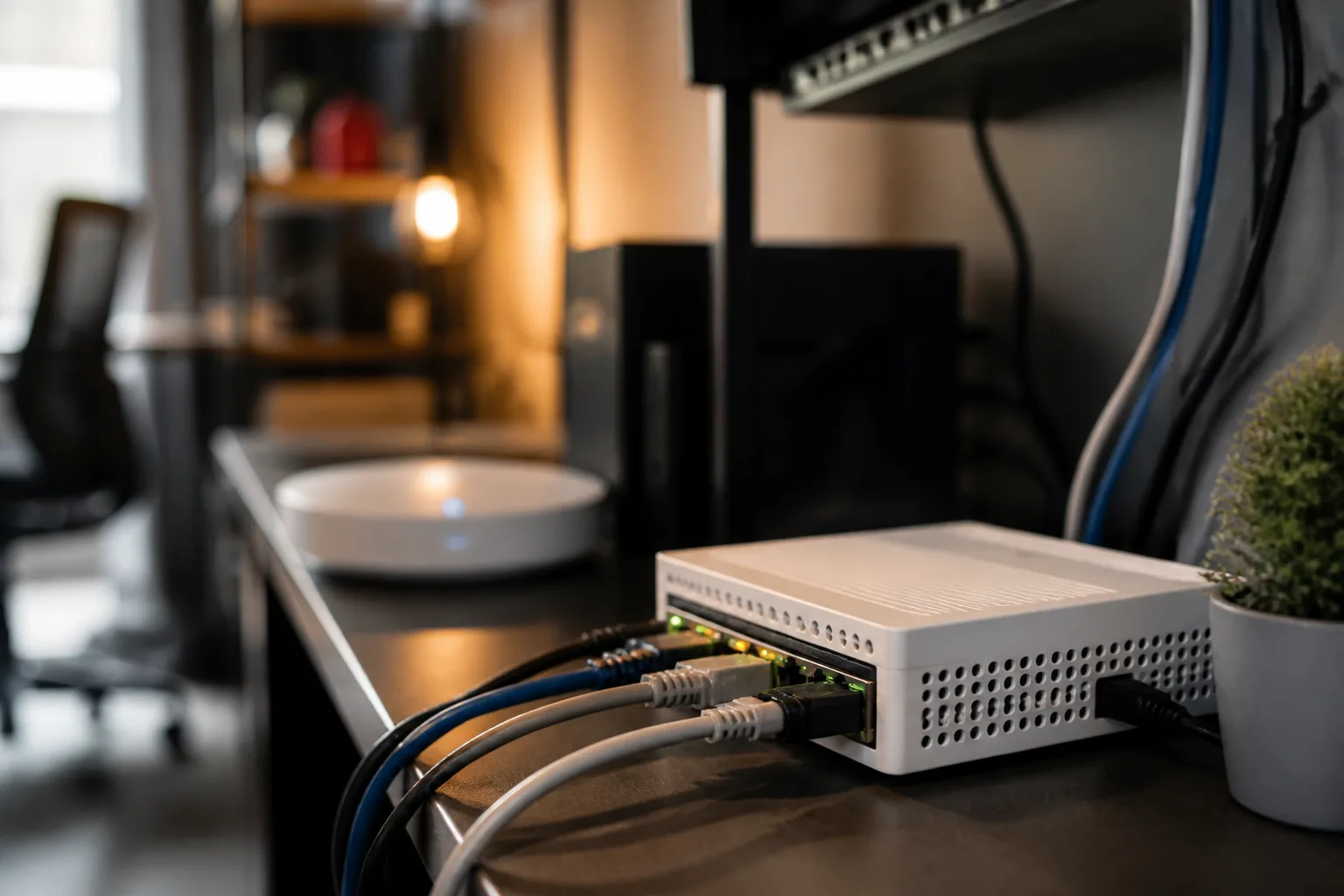
The write-up also shows how the same platform is used for multiple layers of the network stack. The MikroTik router is not just a gateway to the internet. It is also the PoE source for an access point, the controller for managed Wi‑Fi, and the traffic-shaping device that keeps latency under control when the connection is busy. In that sense, the post frames the router as infrastructure rather than just a box that provides internet access.
Finally, the bufferbloat section is a reminder that raw speed is not the only performance metric that matters. The article’s approach is to measure latency under load, then shape traffic so the home router, rather than the ISP, becomes the bottleneck. That is a practical networking lesson and one of the clearest technology takeaways from the source.
What to watch
The article leaves a few areas that a reader would need to adapt to their own network. The exact WAN setup depends on the ISP, especially whether the connection uses IPoE or PPPoE, whether VLAN tagging is required, and whether the service delivers a public or private IPv4 address. Those details determine whether the router can support inbound IPv4 access and whether additional ISP options may be needed.
The Wi‑Fi configuration is also specific to the author’s hardware and network design. The source shows CAPsMAN as a way to centralize access point management, but the exact security, channel, and country settings will vary by home environment and equipment.
On the traffic-shaping side, the article stresses that the queue limit needs to be set below the real line rate. That means anyone applying the method would need to measure their own speeds and tune the limits accordingly. The post also notes that disabling Fast Track can increase CPU load, so performance trade-offs may differ depending on the router and throughput requirements.
Overall, the source is best read as a practical configuration guide with clear lessons about home-network design, rather than as a generalized verdict on MikroTik gear.