What happened
Zorin OS can be adjusted to resemble Windows 11, and the basic approach works on both the free and Pro editions. The operating system is built on Ubuntu and uses the GNOME desktop underneath, but Zorin adds its own layer of customization that makes the interface easier to reshape.
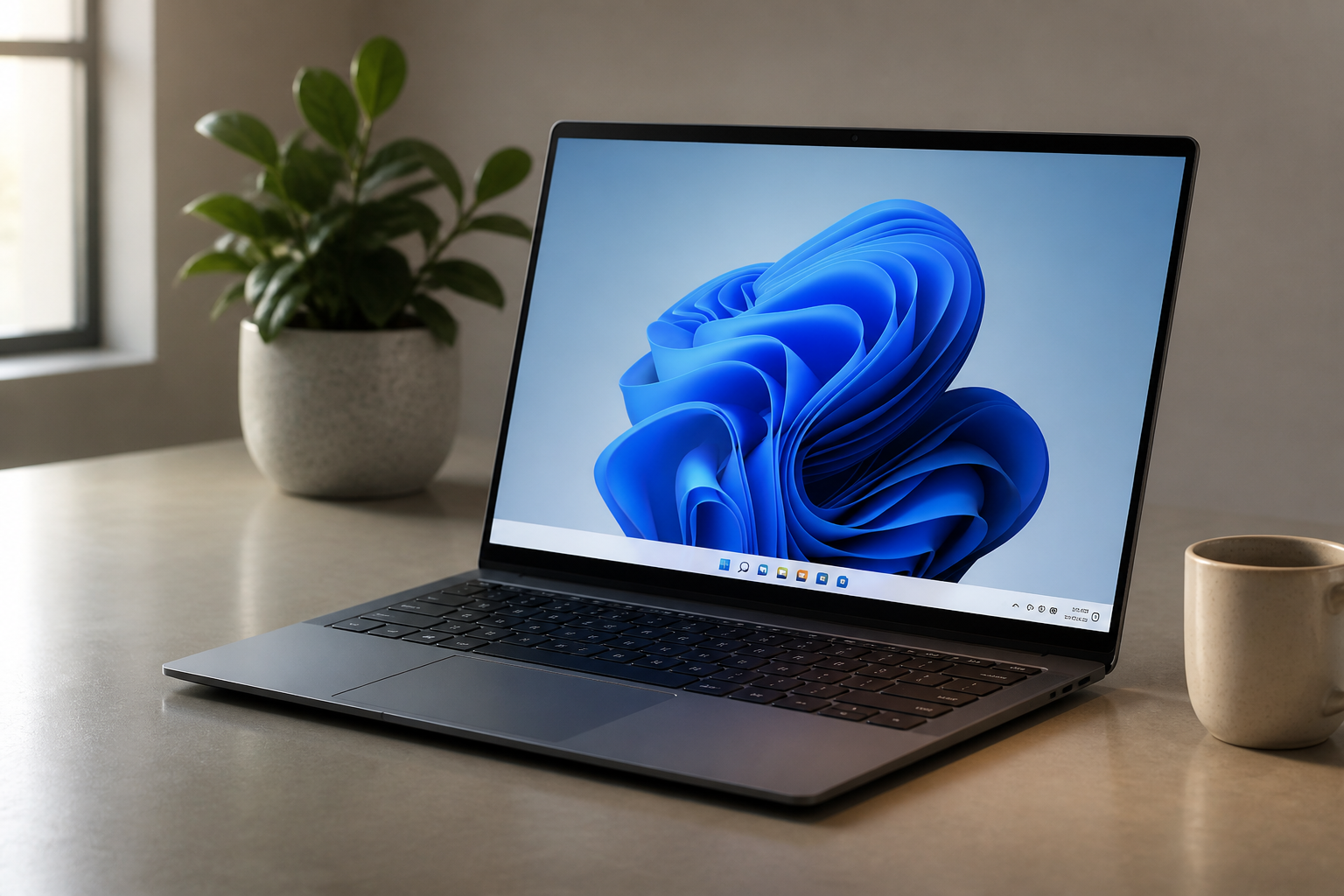
According to the source material, the paid Pro edition includes a Windows 11-style layout out of the box. That makes it the simplest option for people who want a familiar look with minimal setup. But the same source also shows that the free version can be tuned to get close to that appearance without paying for a license.
The general method starts with installing Zorin OS from an ISO image, booting from a live USB drive, and then opening the Zorin Appearance app after logging in. From there, the source recommends choosing the top-right layout, which places a bottom panel on the screen and puts the desktop menu on the right side.
After that, the taskbar can be adjusted further. The source says to open Taskbar Settings by right-clicking the bottom panel. In the Style tab, moving the Border radius slider all the way left makes the taskbar corners square rather than rounded. In the Position tab, the panel length should be set to 100%, and several items should be placed in the Monitor Center location, including the Left box, Show Applications button, Taskbar, Center box, Desktop button, and GNOME Extensions.
The process can go further if the user wants a more complete Windows-like finish. The source says the WeatherPanel GNOME extension can be installed through the Extensions app, which itself is available from GNOME Software. Once installed, the extension can be configured with location and unit preferences, then moved to the left side of the panel area. The final step is choosing a Windows 11-like wallpaper through the desktop background settings.
Why it matters
This is a useful reminder that Linux desktop environments are often more flexible than they first appear. For people who are curious about Linux but hesitate because they are used to Windows, visual familiarity can make the transition less intimidating. A taskbar at the bottom, a centered layout, and a Windows-like wallpaper may not change how the system works, but they can change how approachable it feels.
The source material also highlights a broader advantage of Zorin OS specifically: it is designed to let users choose how the desktop looks. That matters because not every Linux distribution makes personalization this straightforward. Zorin’s approach appears aimed at users who want a system that feels usable from the start while still leaving room for cosmetic changes.
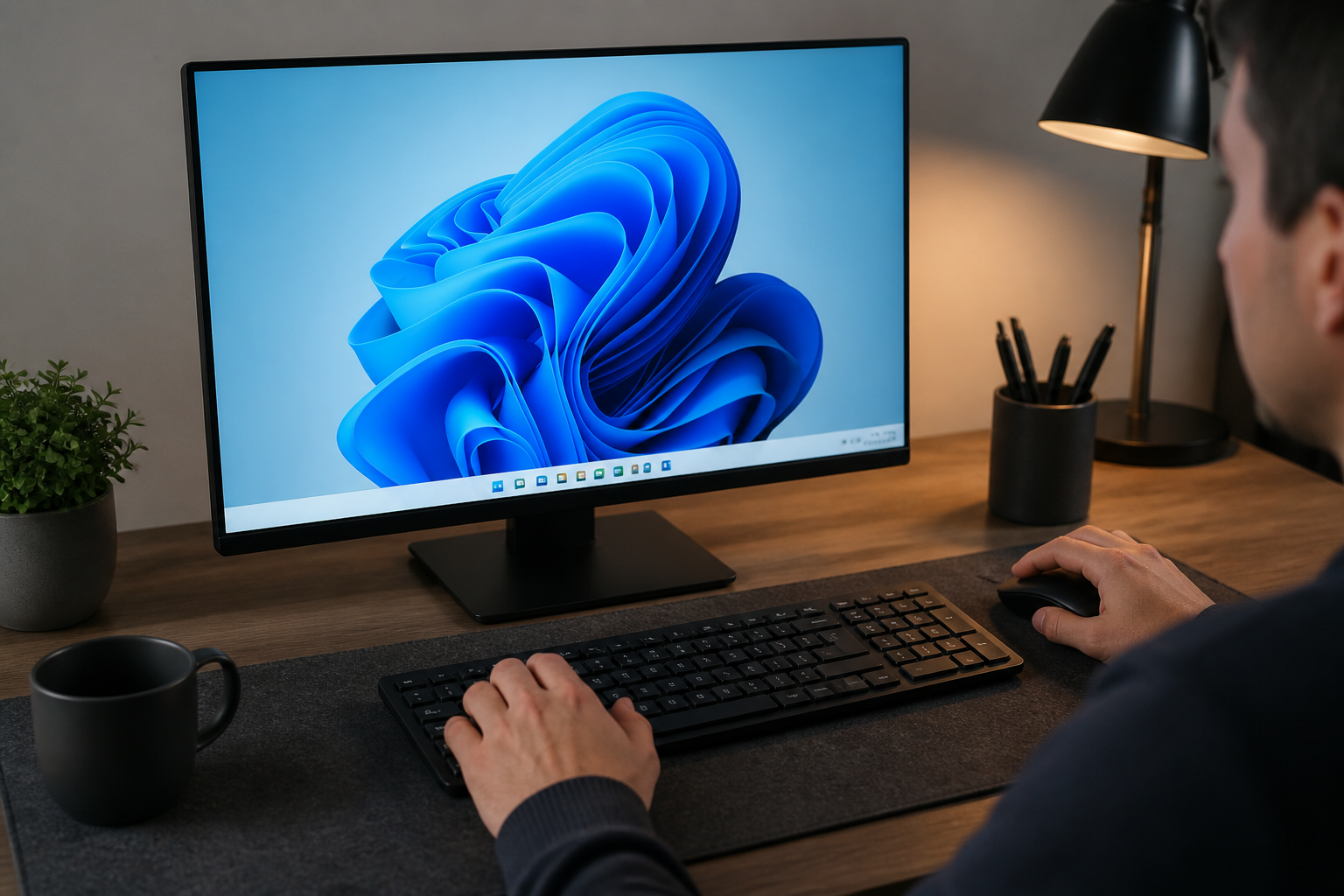
There is also a practical side to the comparison between the free and Pro versions. The Pro edition offers the closest match to Windows 11 immediately, but the source notes that the license does not carry over to later major versions. That means users who always want the newest release may have to buy another Pro license when a new major version arrives. For some people, that may be acceptable if they plan to stay on a single release for its full support cycle. For others, the free customization route may be the better fit.
In other words, the article is less about disguising one operating system as another and more about reducing friction. If a familiar layout helps someone feel comfortable moving to Linux, then Zorin OS provides a relatively low-effort way to get there.
What to watch
The source makes clear that the free method gets close to Windows 11, but not perfectly identical. The Pro version has the more polished prebuilt layout, while the free version requires manual tweaking and still has some limits.
One limitation mentioned is that the WeatherPanel icon cannot live exactly where users might expect it on the far left edge of the panel. It can be moved near that area, but not fully into the same place as the Zorin menu. That is a small detail, but it is a reminder that theming and desktop customization can only go so far.
Another thing to watch is how Zorin OS handles future releases and support cycles. The source suggests that users who want to keep their system on one major version may find the Pro licensing model easier to justify, while users who upgrade often may prefer not to repurchase a license every time.
If you are trying this yourself, the main takeaway is straightforward: Zorin OS gives you options. You can use the built-in Pro Windows 11 layout if you want the simplest path, or you can modify the free version to get a similar result with a bit more hands-on setup. Either way, the desktop is designed to be adaptable, which is the real point here.