Key Takeaways
- Moonshine is an open source Linux-only host for streaming games and apps to Moonlight clients.
- It emphasizes isolated streaming sessions, so the host desktop can remain usable while a stream is running.
- The project supports GPU video encoding, HDR, and multiple input types, but it is not meant for direct exposure on public networks.
What happened
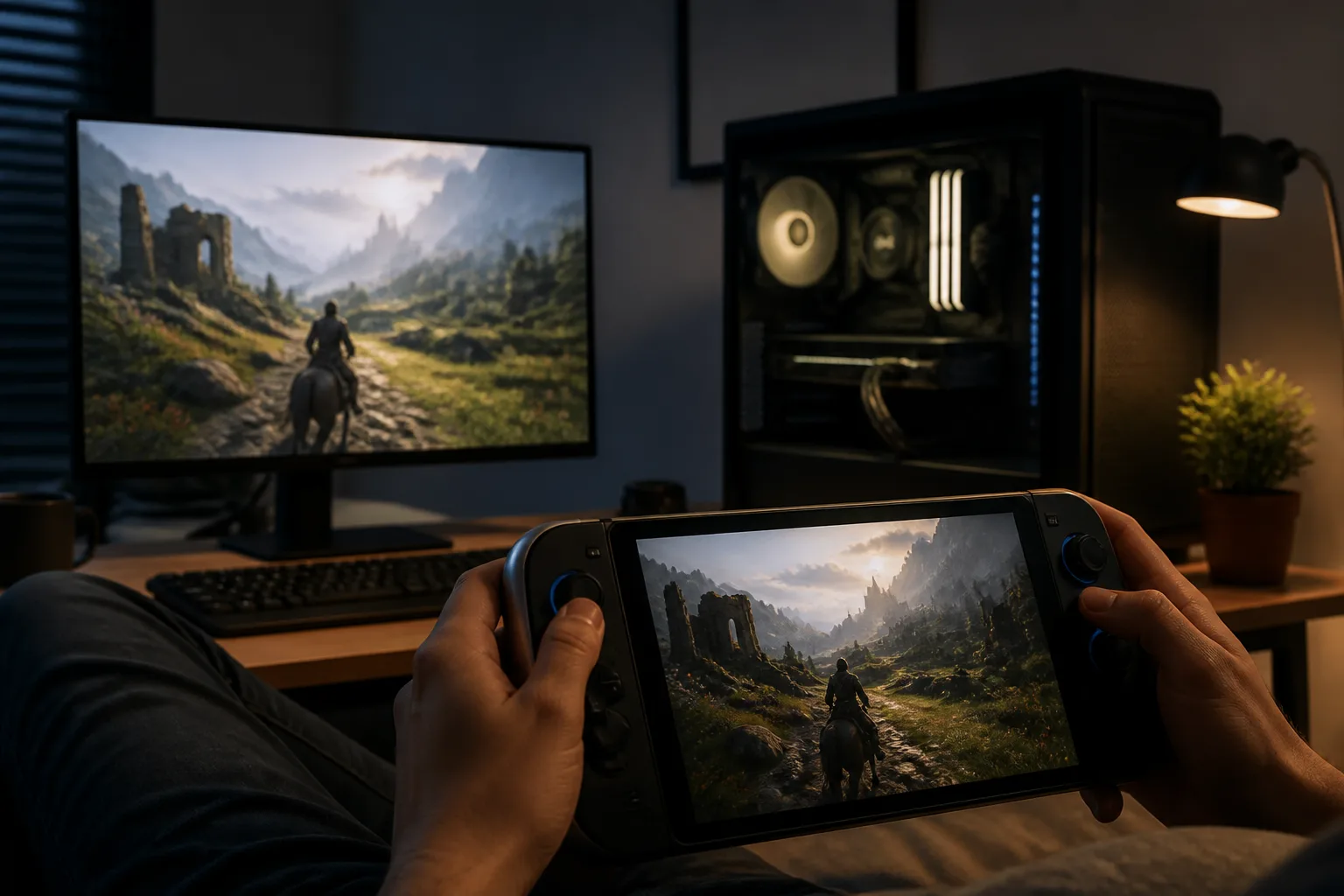
Moonshine is a project that lets a PC stream games to any device running Moonlight. According to the project documentation, it sends keyboard, mouse, and controller input back to the host so the remote session behaves like sitting at the machine itself.
The software is designed around Linux and uses systemd for launching and managing application processes. It is described as tested on Arch Linux, with reports of compatibility on other Linux distributions as well.
One of Moonshine’s main technical distinctions is that each stream runs in its own isolated compositor, separate from the host desktop environment. The documentation says that this allows the host PC to stay available for other tasks while streaming is active. It also says the system can run on headless servers without an HDMI dummy plug.
Moonshine’s documented encoding support includes H.264, H.265, and AV1 using the GPU. The project also lists true 10-bit HDR streaming for supported games, audio streaming with stereo and surround sound, and broad input support including mouse, keyboard, gamepad, motion, touchpad, and haptics.
The repository also outlines installation and setup paths. It can be installed through the AUR with yay -S moonshine, or built from source with Rust and related dependencies. Moonlight pairing is handled through a PIN flow, with a local pairing page available on the host.
Why it matters
Moonshine sits in a specific but important niche: it is not a general remote desktop tool, but a host for game and application streaming into the Moonlight ecosystem. That makes it relevant to people who already use Moonlight clients and want a Linux-based host with a strong focus on isolation and headless operation.
The isolated-session design is notable because it separates streaming from the everyday desktop. For users who want to keep the host machine usable during a stream, that architecture is a practical advantage. The headless-server support goes in the same direction by removing the need for a dummy display adapter.
The encoding options also matter. The project’s hardware video encoding support suggests it is designed to lean on modern GPUs rather than software encoding. At the same time, the documentation flags AV1 encoding as experimental and notes issues on NVIDIA GPUs until a specific driver version. That warning is important because it shows the project is still drawing clear boundaries around what is ready for everyday use.
Moonshine also takes a careful stance on network exposure. The documentation says it is not intended for public networks and advises against exposing its ports directly to the internet. Instead, it recommends using a VPN such as Tailscale, WireGuard, or ZeroTier for streaming over the internet.
What to watch
The most immediate question is how Moonshine develops beyond its current Linux-only scope. The repository explicitly says Moonshine supports Linux and points to Sunshine as having more platforms and more overall features.
Another point to watch is AV1 stability, especially on NVIDIA hardware. The project says the issue is expected to be fixed in driver version 595.44.3.0, which suggests future compatibility improvements may depend on GPU driver updates as much as on Moonshine itself.
It will also be worth watching how the project’s isolated-session model holds up across different desktop and server setups. The documentation says it has been tested on Arch Linux and reported to work on other distributions, but the scope of support remains centered on Linux systems with a Vulkan-capable GPU and Moonlight v6.0.0 or higher.
For now, Moonshine looks like a focused host-side companion for Moonlight users who want Linux-native game streaming with strong session separation and explicit guardrails around security and network use.